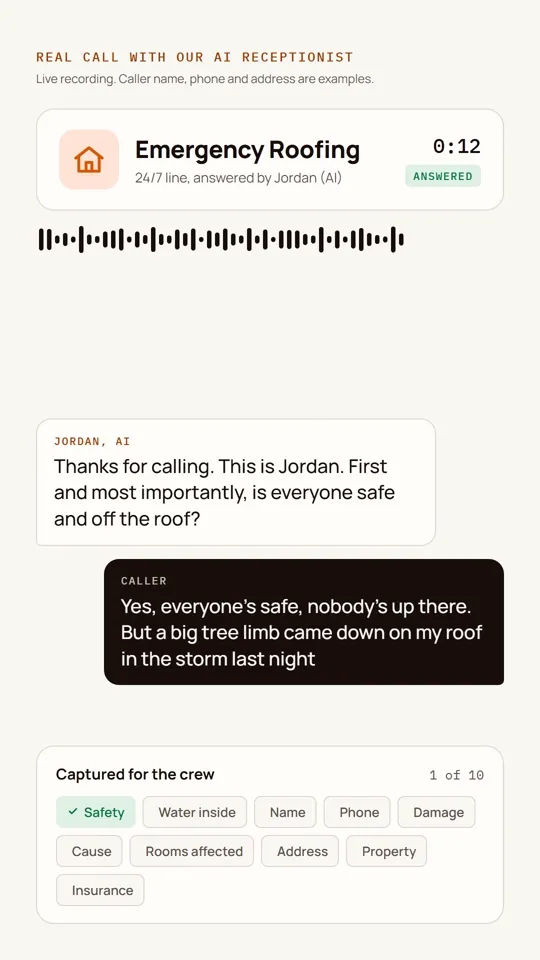
A script is written for the lesson.
All eight systems
AI video studio: finished explainers from a script
A script goes in, and a finished explainer comes out in my own voice, with real screenshots that zoom to each thing as it is named.
- StatusLive
- Built byJeff Lim
- UpdatedNov 5, 2026
The problem
Training and demo videos take a camera, a mic, a quiet room and hours of editing. Most people stop after the first two.
What I built
A production pipeline. My cloned voice reads the script, word timings drive the animation, and real product screenshots zoom in on each element the moment it is said. Each lesson gets a 16:9 explainer and a 9:16 reel with captions burned in, so it works with the sound off.
Where it is now
Live. More than 80 lesson videos produced, plus client demo videos.
Stack
- HyperFrames
- ElevenLabs voice clone
- ffmpeg
- Cloudflare R2 with HLS
How it runsVideo studio
The cloned voice reads it and word timings are captured.
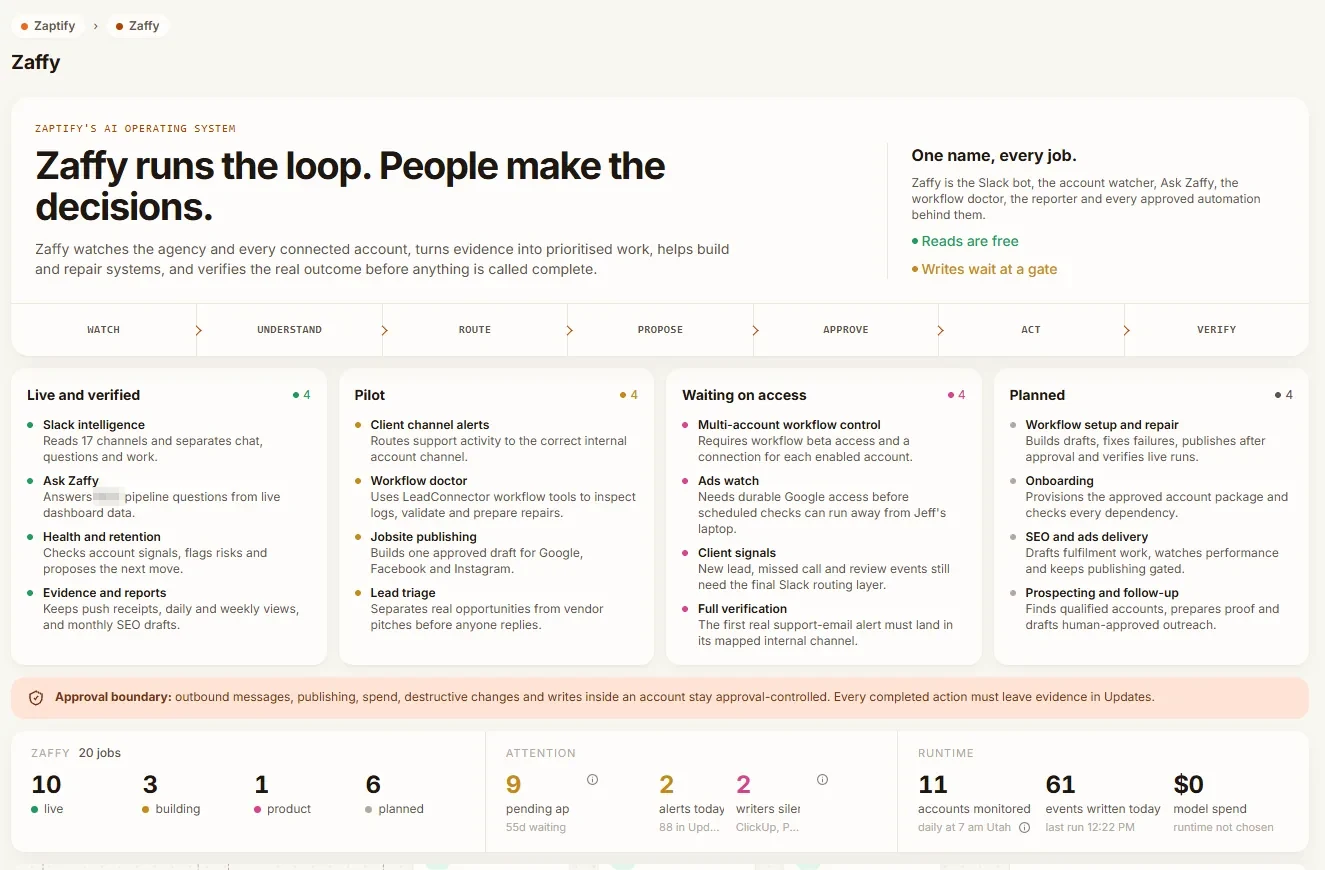
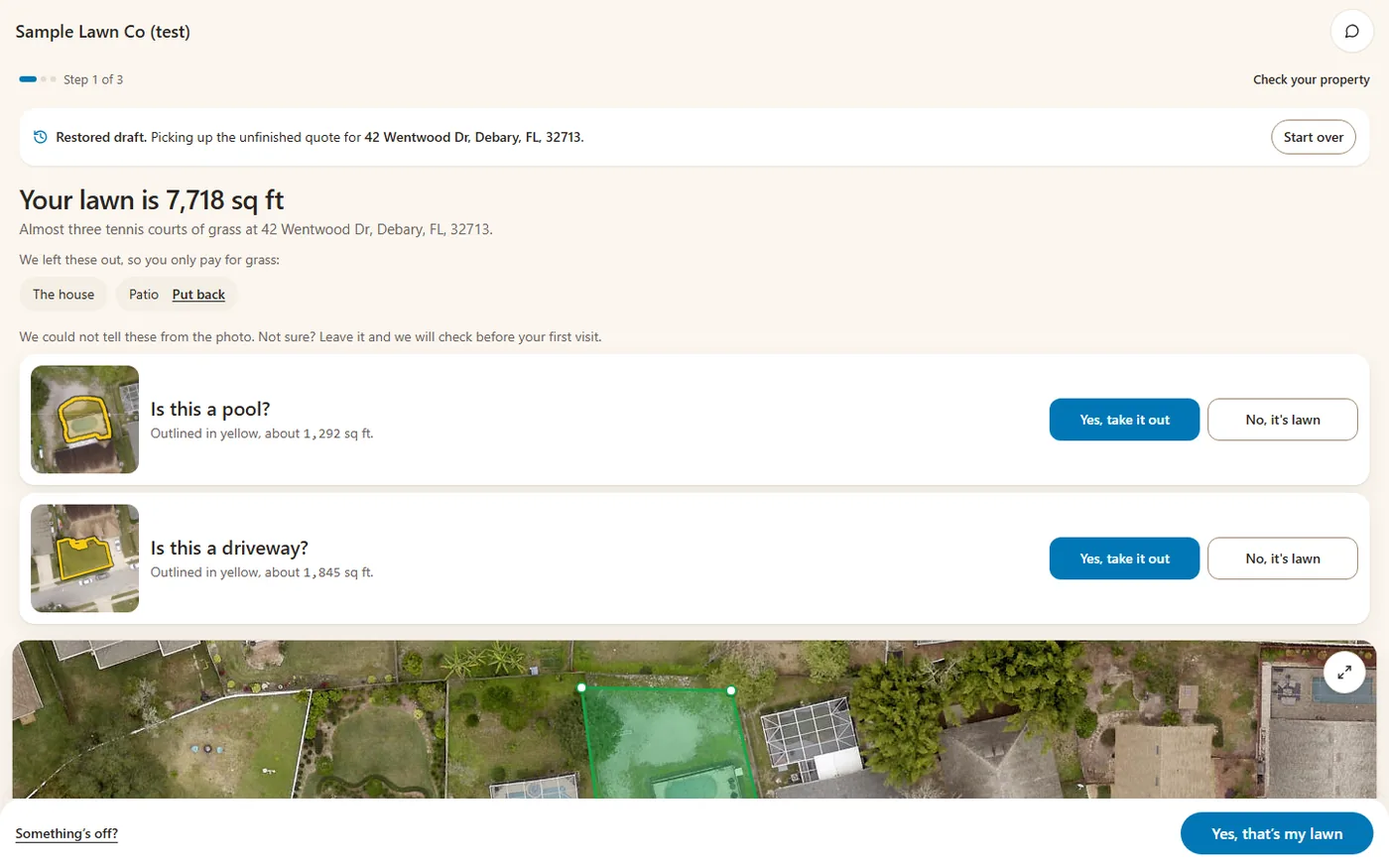
Screenshots zoom to each element as it is named.
A 16:9 explainer and a 9:16 reel render with captions.
Questions about this system
Can AI make training videos in my own voice?
Yes. This pipeline uses a cloned voice and real screenshots.
Do the videos work with the sound off?
Yes. Captions are burned in.